
If you’re tired of dealing with unreliable performance, limited features, or poor-quality footage from your current security system, it might be time for a Lorex DVR replacement, Swann DVR replacement, or Qsee DVR replacement. By testing multiple brands, we found a perfect solution for users looking to upgrade from these well-known brands and want a more reliable, user-friendly, and feature-rich alternative.
In this blog post, we’ll guide you through how to replace your outdated DVR and explain why Camius is the best choice for those seeking a better alternative to Lorex, Swann, or Qsee DVRs and cameras. Let’s get started!
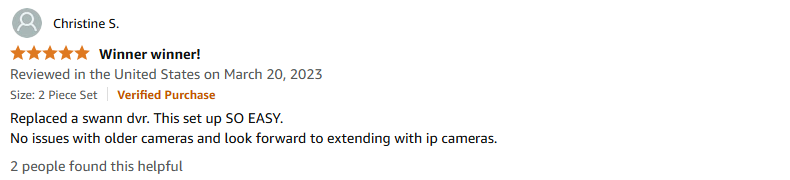
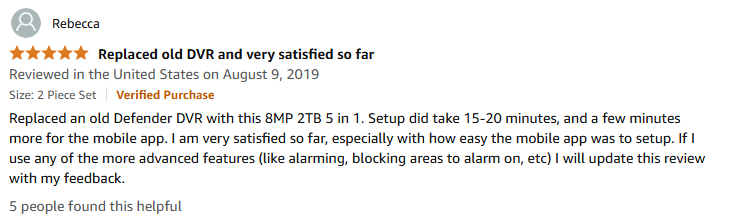
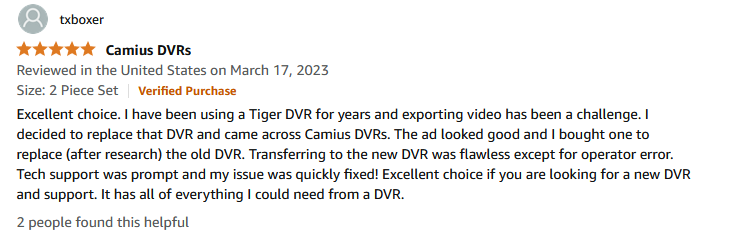
Here are some reviews from Amazon customers who switched to Camius:
Why Replace Your Lorex, Swann, Qsee, Defender DVR?
If you’ve been using a Lorex DVR, Swann DVR, or Qsee DVR, you may have experienced issues like:
1. Limited Features of Lorex, Swann, and Qsee DVRs
Many users report that their old Lorex DVRs, Swann DVRs, or Qsee DVRs lack modern features such as mobile viewing apps, cloud storage, or high-definition video recording. If you’ve been struggling with these limitations, it’s time for an upgrade.
2. Frequent Technical Problems
From freezing to failing to record footage, Lorex DVRs and Swann DVRs are notorious for issues that disrupt your security monitoring. When the system isn’t working properly, it’s no longer protecting you as it should.
3. Poor Video Quality
Outdated DVRs can offer poor video quality, which makes it difficult to identify faces or suspicious activity. Upgrading to a newer DVR will give you clearer, sharper footage and peace of mind.
4. Compatibility Issues
As technology advances, older systems may no longer be compatible with modern cameras or other smart devices. If your Qsee DVR or Swann DVR doesn’t support your new camera, it may be time for a DVR replacement.
Why Camius is the Best Lorex, Swann, and Qsee DVR Replacement
At Camius, we understand that security systems should provide top-notch performance, convenience, and clarity. If you’re looking for a Lorex alternative, Swann DVR replacement, or Qsee DVR replacement, here’s why Camius is your ideal solution:
1. Superior Video Quality
Unlike many Lorex, Swann, and Qsee DVRs that offer only low-resolution or maximum 5 megapixels video, Camius DVRs are designed to deliver high-definition (HD) and even 4K video quality. This means sharper, more detailed video footage that’s perfect for identifying intruders or reviewing events.
2. Broad Camera Compatibility
One of the greatest advantages of Camius DVRs is their versatility in terms of camera compatibility. Our DVRs work with CVBS, AHD, CVI, TVI, and IP cameras, making them a future-proof investment. Whether you’re replacing an old Lorex, Swann, or Qsee DVR, you can use your existing cameras with a Camius DVR, or easily upgrade to the latest camera models.
3. 4K Video and Audio Recording
Camius DVRs go beyond typical security systems by providing 4K video and audio recording. This ensures that every detail is captured in high definition, providing you with clearer images and superior audio that are crucial for identifying faces, voices, or suspicious activities.
4. Remote Access Across Devices
With Camius DVRs, you can monitor your security system remotely. Whether you’re using a PC, Mac, web browser, or smartphone app (available on both the App Store and Google Play), accessing your footage has never been easier. Our DVRs give you real-time updates wherever you are, so you’re always connected to your security system.
5. Advanced AI Detection
Most DVRs on the market support only regular video motion detection or have very limited AI detection features that can only be enabled for 1 or 2 cameras. However, Camius DVRs provide a more advanced AI-powered detection system, which includes features like person detection, vehicle detection, and even facial recognition. This gives you more accurate and reliable monitoring, reducing false alarms and improving overall security.
6. Large Storage Capacity
Camius DVRs come with the highest storage capacities in the industry. Our 8-channel DVRs are sold with hard drives ranging from 3TB to 10TB, while our 16- to 24-channel DVRs come with 16TB to 20TB hard drives. With such high-capacity storage, you can store weeks or even months of footage without worrying about running out of space.
7. Expandable System
Our Camius DVRs support analog channels that can be converted into IP channels, expanding your system to support 12 to 24 cameras. This means that your security system can grow as your needs evolve, making it easy to upgrade as you add more cameras in the future.
8. High Bandwidth Performance
Camius recorders offer the highest bandwidth in the market, allowing for smooth video streaming and recording with minimal lag or interruptions. This ensures that your security footage remains clear and consistent, even during peak usage hours.
How to Replace Your Lorex, Swann, or Qsee DVR with Camius
Step 1: Choose Your Camius DVR Model
If you’re replacing a Lorex DVR, Swann DVR, or Qsee DVR, it’s essential to choose the right model that suits your needs. When choosing a Camius DVR, consider:
- Number of Channels: Make sure your DVR supports all of your cameras, whether it’s 4, 8, 16 channels, or more.
- Resolution: For high-quality video, opt for a DVR that supports 1080p, 4K, or other high-resolution formats.
- Storage Capacity: Choose a DVR that offers ample storage space, with larger hard drives allowing for more footage retention.
- Mobile and Remote Viewing: Camius DVRs come with a mobile app for easy remote access to your footage.
Step 2: Disconnect Your Old DVR
Before installing your Camius DVR, disconnect the old Lorex DVR, Swann DVR, or Qsee DVR. Make sure to:
- Unplug all cables (power, video, network) from your old system.
- Safely remove your old DVR from its mount or placement.
Step 3: Install Your New Camius DVR
- Mount the DVR: Set up your new Camius DVR in a safe, well-ventilated area close to your cameras and monitor.
- Connect the Cameras: Plug your security cameras into the Camius DVR and ensure they’re connected properly.
- Power Up: Connect your DVR to the power supply and turn it on.
- Network Connection: If you’re using remote viewing, connect your DVR to the internet via Ethernet or Wi-Fi.
Step 4: Configure Your Settings
- Set Recording Preferences: Adjust the recording schedule or set up motion detection to only record when necessary.
- Remote Access: Install the Camius mobile app to view footage from your smartphone or tablet. Configure your DVR settings for remote access.
- Cloud Storage: If you prefer cloud storage, make sure to set it up through the Camius interface for secure, off-site footage storage.
Step 5: Test Your New Camius DVR
Once everything is connected and set up, test your new Camius DVR by reviewing live footage and checking recorded video. This will ensure everything is working smoothly.
FAQ About Lorex, Swann, and Qsee DVR Replacements
1. What is the best alternative to a Lorex DVR?
If you’re looking for a Lorex DVR replacement, Camius offers superior video quality, better reliability, and easy remote viewing at great value. Our DVRs are an excellent Lorex alternative for those seeking better performance. Lorex DVRs only support CVI cameras, while Camius DVRs support 5 video formats including IP cameras; meaning that a Camius DVR pairs perfectly with Lorex Cameras!
2. How do I replace a Swann DVR?
Replacing a Swann DVR with a Camius DVR is easy. Simply disconnect your old system, install your new Camius DVR, and configure the settings. Camius DVRs offer more advanced features and better storage options than Swann systems.
3. Is Camius a good replacement for Qsee DVRs?
Yes, Camius is a great Qsee DVR replacement. Our DVRs offer HD and 4K video quality, reliable performance, and mobile access—all features that make Camius a strong competitor against Qsee.
4. How do I install a Camius DVR system?
Installing a Camius DVR is simple (guide available on the Camius website). Mount the DVR, connect your cameras, power it up, and follow the easy setup steps to configure recording settings and remote access.
5. Can I use my old cameras with a Camius DVR?
Most Camius DVRs are compatible with various camera types, including analog, HD-TVI, and IP cameras. However, make sure to check your specific camera compatibility with the DVR model you choose.
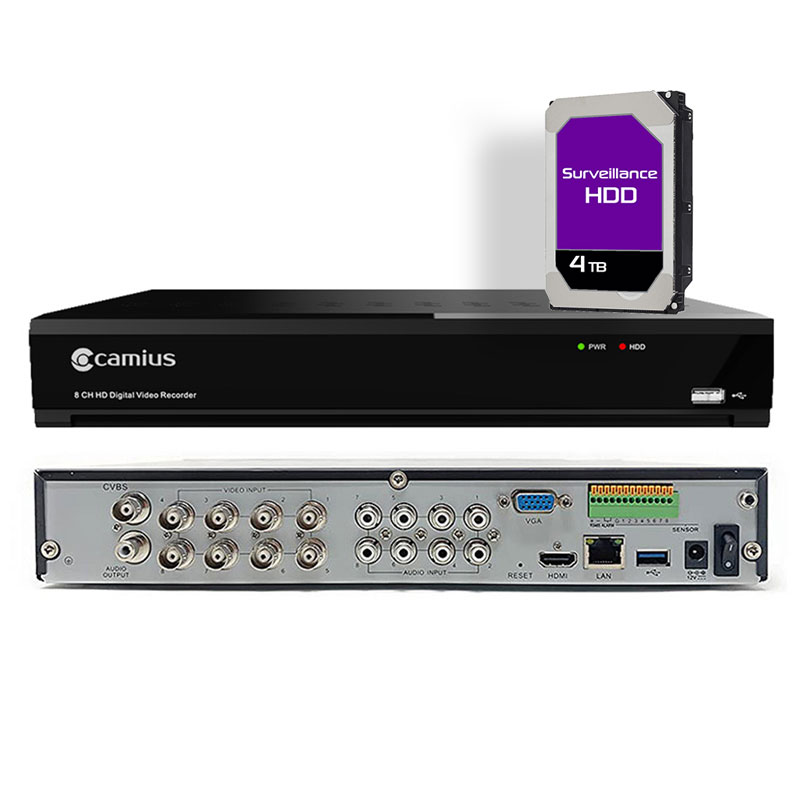
Find camius latest surveillance DVR recorders and cameras

Why Choose Camius?
If you’re looking for a Lorex DVR replacement, Swann DVR replacement, or Qsee DVR replacement, Camius offers a superior alternative. We pride ourselves on providing high-quality, easy-to-use, and reliable security solutions that help you stay safe with advanced features like remote viewing, cloud storage, and excellent video resolution.
Choose Camius for your DVR replacement needs and enjoy:
- Superior video quality
- Remote access
- User-friendly setup
- Great customer support
Overall, replacing your current DVR system with a Camius solution offers a more advanced, reliable, and future-proof security setup that can meet your evolving needs.
Looking for more comparisons? Check our article on the detailed review of Tigersecu DVR